
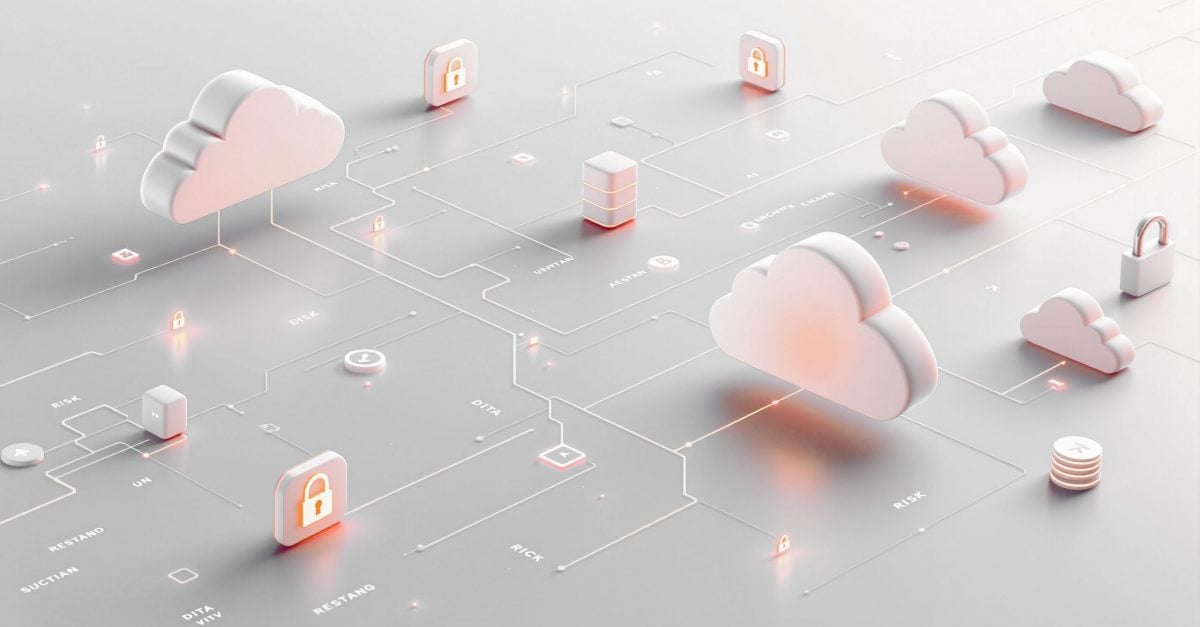
Cloud file sharing has become the backbone of modern work. Whether your team uses OneDrive, Dropbox, Google Drive, or all three, these platforms are practically unavoidable. They’re convenient, they sync everywhere, and they let people collaborate without thinking twice about it.
But that convenience comes with real security problems.
File sharing platforms aren’t inherently unsafe, but they’re easy to misconfigure, hard to monitor, and surprisingly simple for attackers to exploit. Most organizations don’t realize how exposed their data is until something goes wrong. Let’s walk through the seven biggest file sharing security risks your organization faces.
1. Misconfigured Sharing Permissions
This is the most common way sensitive data ends up in the wrong hands, and it happens constantly.
Someone creates a document, clicks “share,” selects “anyone with the link,” and sends it off. That link can now be forwarded to anyone, posted in Slack, or accidentally pasted into a support ticket. You’ve just made your confidential data publicly accessible without realizing it.
The problem gets worse with nested folder permissions. A user might share a parent folder with limited access, but individual files inside that folder could have broader permissions set weeks earlier. Most employees have no idea how to audit their own sharing settings, let alone fix them.
2. Inadequate Access Controls
Most file sharing platforms offer decent security features, but they’re optional. That’s the problem.
Organizations often skip multi-factor authentication, use weak password policies, or fail to enforce role-based access controls. Without proper restrictions, anyone who gets access to an employee’s credentials can log in and download everything.
The reality is that most platforms give you the tools to lock things down, but they don’t force you to use them.
3. Data Leakage Through External Sharing
External sharing is where file security falls apart completely.
Employees share files with contractors, clients, vendors, and partners all the time. That’s fine when it’s done correctly. But most platforms default to giving external users more access than necessary, and those permissions rarely get revoked when the project ends.
Worse, employees often share files to their personal email addresses or personal cloud accounts to “work from home more easily.” Those personal accounts don’t have your organization’s security controls, logging, or oversight. Once your data lands there, you’ve lost control of it.
4. Account Compromises
If an attacker gets into one of your employees’ cloud storage accounts, they don’t just get one file. They get everything.
Credential stuffing and phishing attacks targeting cloud storage accounts are incredibly common. Users reuse passwords across services, fall for fake login pages, or click malicious links that steal their session tokens. Once the attacker is in, they can browse files, download data, and even share it externally without anyone noticing.
Account takeovers are particularly dangerous because the attacker looks like a legitimate user. They’re accessing files they “have permission” to see, so most security tools won’t flag the activity as suspicious.
5. Shadow IT and Unmanaged Devices
Your employees are probably using file sharing services you don’t even know about.
Shadow IT happens when people bypass official tools and use their own Dropbox, Google Drive, or WeTransfer accounts to get work done. Maybe your official platform is too slow, too locked down, or just annoying to use. Either way, they’re uploading company data to systems your IT team doesn’t manage, monitor, or secure.
Then there’s the problem of unmanaged devices. Employees access files from personal laptops, tablets, and phones that don’t have endpoint protection, encryption, or remote wipe capabilities. If one of those devices gets lost, stolen, or infected with malware, your data goes with it.
6. Ransomware and Malware Distribution
Attackers love file sharing platforms because they’re a perfect distribution method for malware.
Ransomware can spread through shared folders. If one infected device syncs to the cloud, every other device that syncs with that folder gets infected too. In some cases, attackers deliberately upload malicious files to shared drives, knowing that users will download and open them.
Cloud storage also makes ransomware more effective. Attackers can encrypt files stored in OneDrive or Google Drive just as easily as local files. Some platforms offer version history and recovery options, but those protections only work if you catch the attack quickly and if the attacker hasn’t specifically targeted your backup versions.
7. Insufficient Audit and Monitoring
Most organizations have no idea what’s happening in their file sharing environment.
Who accessed what files? When? From where? Did anyone download something unusual? Did an external user share your data with someone else? These are basic questions that most companies can’t answer because they’re not logging file activity or reviewing those logs regularly.
Without proper monitoring, you can’t detect suspicious behavior, investigate potential breaches, or prove compliance with data protection regulations.

How Permanent Admin Rights Multiply the Risk
File sharing platforms have security gaps. Misconfigured permissions, weak access controls, and synced malware are all real risks that organizations deal with regularly. Fixing these issues (enforcing MFA, auditing permissions, training users on safe sharing practices) can drastically reduce your exposure and prevent most incidents before they happen.
But even with robust security controls, something will eventually slip through. A user downloads an infected file from a shared folder, or malware spreads through sync clients before anyone notices. When that happens, permanent admin rights turn a containable problem into a serious incident. The malware can elevate itself, disable security software, and spread across your network. Nothing limits what it can do once it’s running.
Admin By Request EPM removes permanent admin rights from endpoints. Users still get elevated access when they need it for legitimate tasks, but malware can’t use those same privileges to cause damage. It’s a straightforward way to reduce how far security incidents can spread, regardless of where they start.
Want to see how it works? Book a free demo or sign up for our lifetime free plan. You get full features for up to 25 seats with no strings attached.